


Create an address for the moment
Shopping, newsletters, apps, and one-time sign-ups no longer need your real inbox address.

Private email aliases
Give every sign-up its own private address. Messages still arrive in the inbox you already use, while your real email stays out of sight.
 One inbox. Less exposure.

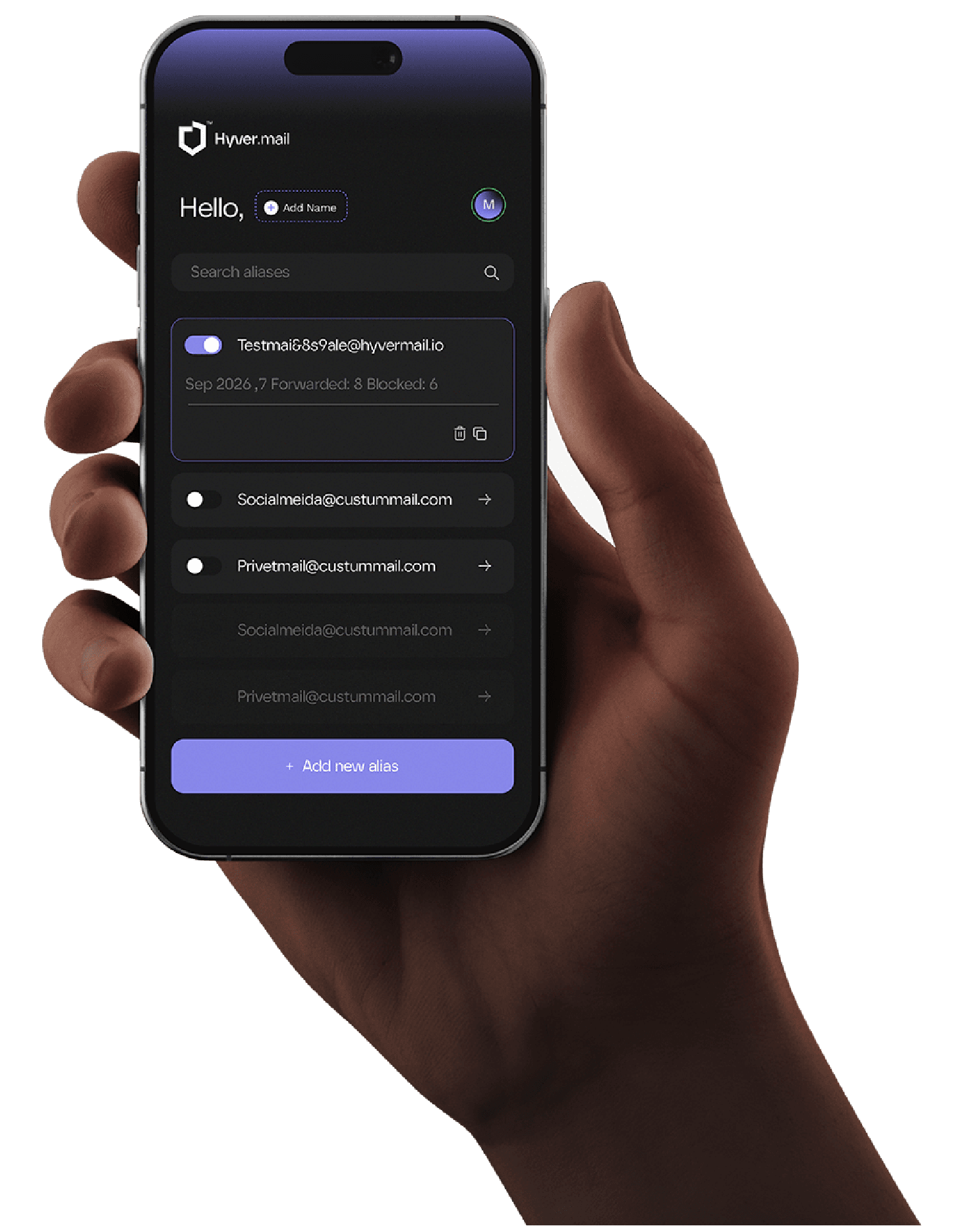
Keep the inbox you know
Your email is part of your identity
HyverMail puts a controllable privacy layer between public sign-ups and the inbox that matters.
Shopping, newsletters, apps, and one-time sign-ups no longer need your real inbox address.
Every destination has its own alias, making unwanted sharing easier to identify.
Switch off a noisy alias without changing the address your trusted contacts know.
Every sign-up receives a different address. Your destination stays unchanged.
Privacy without another inbox
Keep Gmail, Outlook, Yahoo, or the mailbox you already use. HyverMail adds one controlled layer in front of it—nothing else to monitor.
Try the alias demo
Privacy that stays out of the way
Masked by default
Control the route
Keep your workflow
Privacy at the point of sign-up
The extension detects email fields and places a small HyverMail control inside them. Choose an alias without leaving the page.
HyverMail browser extensionGet it for ChromeComing soon Autofill a private aliasEmail field detected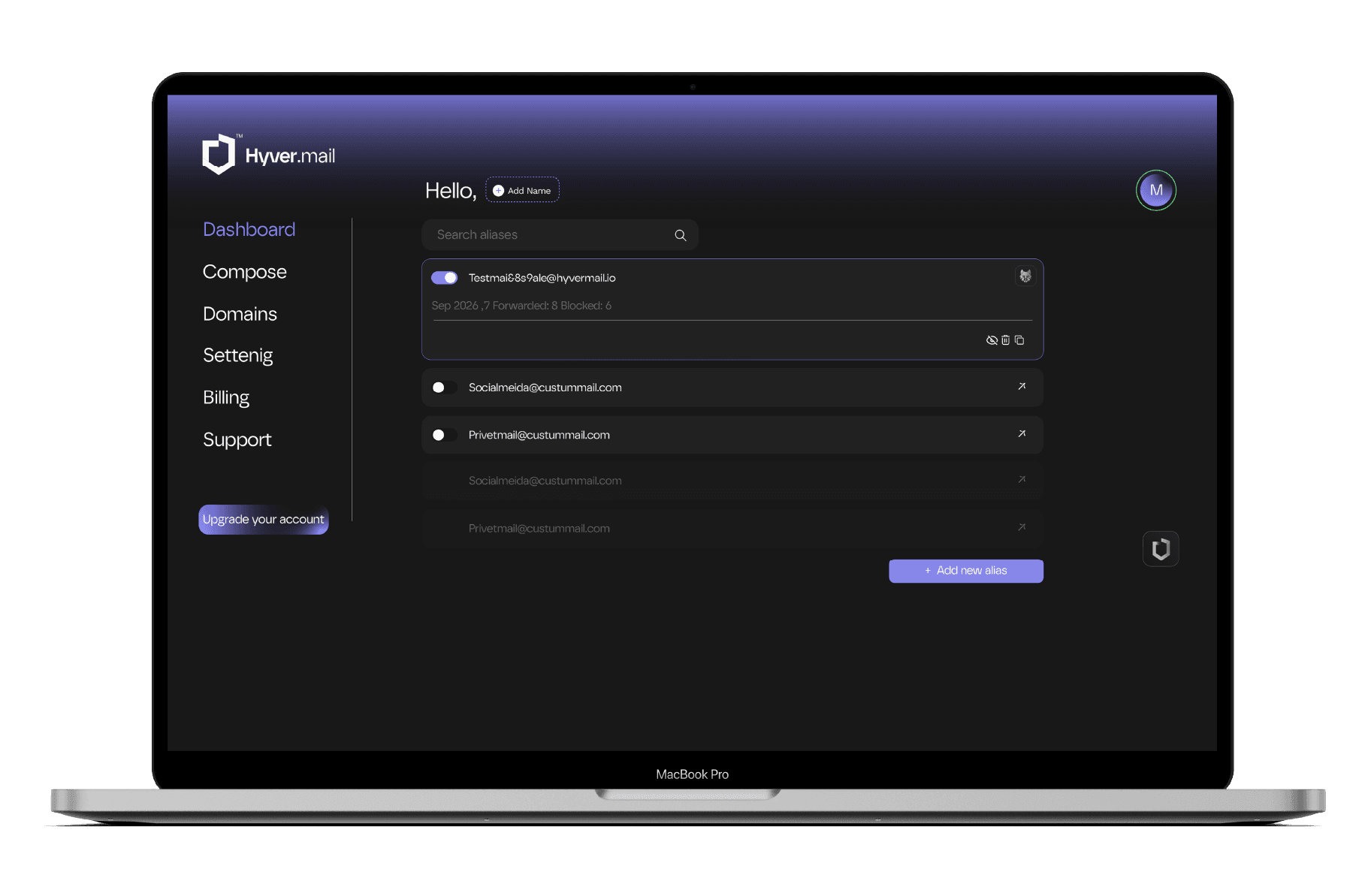
Control without complexity
See what is active, understand where it routes, and remove an exposed address without changing the inbox behind it.
Explore smarter controlsBring your own keys
Upload a public key for supported encrypted delivery. Your private key remains on your device and never needs to be shared with HyverMail.
The essentials for protecting everyday sign-ups.
Advanced control for aliases across your digital life.
More room for managed aliases, domains and reporting.
Payments are processed by Paddle, our merchant of record. Your card details go to Paddle and never reach HyverMail.
Any charge can be refunded in full within 14 days, renewals included. Refund Policy
HyverMail is an email privacy service, not email marketing or bulk sending. Spam, phishing and fraud are prohibited. Acceptable Use
A unique address you share instead of your real email. Messages can be routed to the inbox you already use.
No. HyverMail is designed as a privacy and routing layer in front of Gmail, Outlook, Yahoo, or another destination.
It detects email fields and offers an alias from a small HyverMail button. You choose whether to autofill it.
No. HyverMail accepts a public key only, verifies that you hold the matching private key, and uses it to encrypt messages before they reach you. Your private key stays on your device.
No. Every address created on this page uses the reserved .example domain and is not connected to mail delivery.
Choose monthly or yearly billing at checkout. The plan starts straight away and renews automatically at the same price until you cancel it, which you can do at any time from your billing page.
Paddle, as our merchant of record. Paddle is the name on your card statement and issues your receipt and invoice. Any charge can be refunded in full within 14 days.
One private layer
